Discrete math is one of those subjects that catches a lot of students off guard. You show up expecting something like calculus, and instead you’re working through logic gates, set theory, combinatorics, and modular arithmetic. The right calculator won’t solve those problems for you, but it will handle the number-crunching so your brain can focus on the concepts.
That’s exactly why this article exists. We tested and compared five of the most popular scientific calculators available right now to help you find the one that fits your coursework, your budget, and your study style. By the time you finish reading, you’ll know exactly which calculator to buy and why.
 How We Selected the Best Calculators for Discrete Math
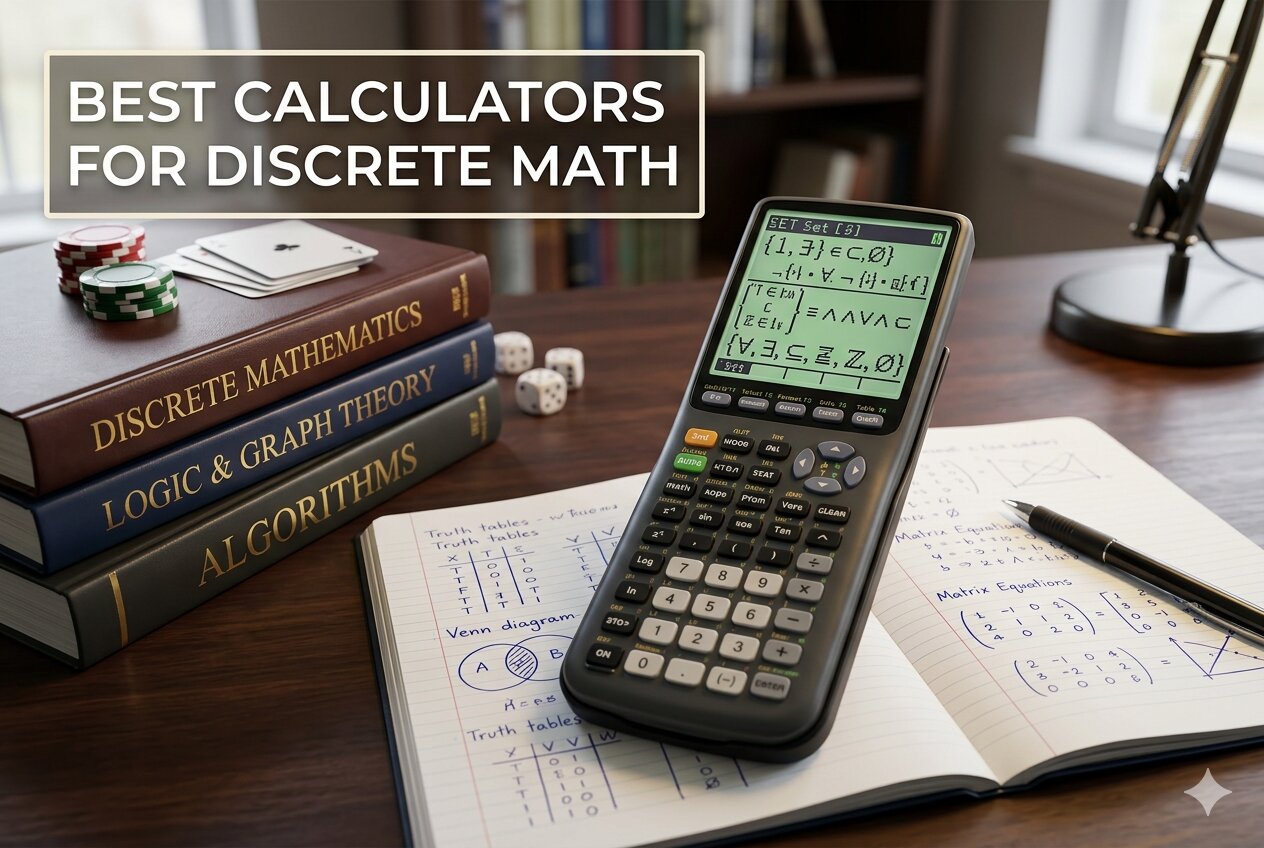
We evaluated each calculator the way a student actually would: putting it through real discrete math tasks like computing permutations and combinations, working with modular arithmetic, handling matrix operations, and processing statistical functions. We didn’t just read spec sheets. We considered how each device performs under the pressure of timed exams and long study sessions.
Here are the factors we weighed most carefully:
- Function depth: Does it support the operations that come up most often in discrete math, including combinations, permutations, and integer-based calculations?
- Display clarity: Can you read your expressions and results quickly and accurately without squinting or misreading a digit?
- Exam eligibility: Is the calculator approved for standardized tests and professional licensing exams where graphing or programmable models are not permitted?
- Ease of navigation: How steep is the learning curve? A calculator packed with features only helps if you can actually find those features under pressure.
- Build quality and portability: Does it feel durable enough to survive a full semester in a backpack, and is it comfortable to use during long sessions?
- Power reliability: Battery-only, solar-only, or dual-powered? Power source affects how worry-free the calculator is in the long run.
- Value for the price: Does what you’re paying for match what you’re actually getting in terms of performance and durability?
Every calculator in this list passed our core criteria. These are genuinely useful tools for discrete math, and the differences between them come down to your specific needs and preferences.
Best Calculators for Discrete Math (Expert Ranking & Review)
Each of these five calculators brings something different to the table. Some are built for power users who need every function under the sun. Others shine for their simplicity, portability, or budget friendliness. Here’s how they stack up.
1. Texas Instruments TI-36X Pro: The Best All-Around Calculator for Serious Math Students

If you’re taking discrete math at the college level and want a calculator that handles nearly everything short of graphing, the TI-36X Pro is the one to reach for. It covers matrix operations, polynomial solvers, systems of linear equations, complex numbers, permutations, combinations, and numerical integration, all packed into a slim, battery-powered body that weighs just over five ounces.
The four-line MultiView display is one of the best features on any non-graphing calculator at this price. You can see multiple calculations on screen at once, which makes catching errors and following multi-step problems significantly easier. MathPrint mode shows fractions, exponents, and other notation exactly as they appear in your textbook, so there’s no mental translation required.
We found the tactile button feedback on the TI-36X Pro noticeably better than most calculators in its class. There’s a satisfying click to each keypress that lets you confirm inputs without staring at the screen. That kind of feedback matters a lot when you’re flying through problems on a timed exam.
One thing that puts this calculator ahead of the pack for discrete math specifically is its built-in function table. You can enter a function and have the calculator generate a table of output values automatically, which is handy for exploring patterns in sequences and functions. It’s also approved for the FE and PE exams, so it carries real-world value well beyond your current course.
Key Specs:
- Display: 4-line MultiView LCD with MathPrint
- Dimensions: 7.22″ x 3.27″
- Weight: 5.28 oz
- Power: Battery (1 Lithium Metal)
- Solvers: Numeric equation, polynomial, system of linear equations
- Matrix/vector support: Up to 3×3
- Exceptionally deep function set for a non-graphing calculator
- MathPrint display shows textbook-style notation
- Approved for FE, PE, and many other standardized exams
- Tactile, responsive buttons with clear feedback
- Some advanced functions require multiple button presses to access
- Learning curve for users new to TI’s interface
2. Casio fx-115ES Plus 2nd Edition: The Feature-Rich Contender with a Textbook-Perfect Display

The Casio fx-115ES Plus 2nd Edition punches well above its price with over 280 functions packed into a solar-powered body with battery backup. For discrete math, it handles complex number calculations, permutations, combinations, matrix and vector operations, summation notation, and simultaneous equation solving without breaking a sweat.
What makes this calculator immediately comfortable to use is the Natural Textbook Display. Fractions stack vertically, roots display under radicals, and expressions look the way they do in your course materials. This isn’t just a cosmetic feature. It genuinely reduces the risk of misreading your own inputs, especially when working through multi-layer expressions.
The Multi-Replay function is something we found genuinely useful during testing. You can backtrack through your previous calculations, edit an expression, and recalculate without retyping everything from scratch. For long problem sets where you’re adjusting one variable at a time, this saves a real amount of time.
The solar-plus-battery power setup is a practical advantage that’s easy to overlook. You’re not burning through batteries during study marathons, and the backup battery means you won’t get caught without power during an exam. It’s a thoughtful design choice that reflects how real students actually use these tools.
Key Specs:
- Display: 16-digit, 4-line LCD with Natural Textbook Display
- Dimensions: 9″ x 5.5″
- Weight: 6.05 oz
- Power: Solar Plus with LR44 battery backup
- Functions: 280+
- Equation support: Simultaneous, quadratic, cubic
- Natural Textbook Display is clear and easy to interpret
- Solar power with battery backup means worry-free longevity
- Multi-Replay makes editing and recalculating fast
- No quick toggle for scientific notation display
- Screen contrast can be harder to read in certain lighting conditions
3. Texas Instruments TI-30XS MultiView: The Exam-Approved Workhorse for High School and Early College

The TI-30XS MultiView is a staple in math classrooms for good reason. It’s affordable, reliable, dual-powered, and approved for an impressive range of standardized tests including the SAT, ACT, MCAT, and many state professional licensing exams. For a student who needs a dependable calculator that won’t get flagged on test day, this is one of the safest picks on this list.
The four-line MathPrint display lets you enter and view expressions in standard math notation, including stacked fractions and exact square roots. For discrete math topics that involve fraction-heavy expressions or iterative calculations, being able to see your full expression before hitting Enter is a real advantage over older two-line calculators.
One feature we appreciated in testing is the ability to scroll back through previous entries, copy them, and paste them into new calculations. This makes exploring patterns in sequences faster and less error-prone. The x/y table feature also lets you evaluate a function at multiple points automatically, which is genuinely useful when working through recursion problems or function analysis.
The dual solar and battery power system is a standout practical feature. Several testers used this calculator for an extended period without touching the backup battery once. It’s the kind of reliability that makes it easy to just throw in your bag and forget about.
Key Specs:
- Display: 4-line, 16-character LCD with MathPrint
- Dimensions: 7.25″ x 3.38″
- Weight: 0.51 lbs
- Power: Solar and battery (CR 2032)
- Statistics: One- and two-variable
- Fraction support: Step-by-step simplification
- Approved for the SAT, ACT, MCAT, and professional licensing exams
- Dual solar and battery power for long-lasting reliability
- MathPrint display and scroll-back entry history save time on complex problems
- Less function depth than the TI-36X Pro
- Does not support matrix operations or equation solvers
4. CATIGA CS-121 Scientific and Graphing Calculator: The Budget Graphing Option for Visual Learners

The CATIGA CS-121 is the only calculator on this list with graphing capability, and it delivers that at a price point well below what you’d pay for a TI-84 or similar. It supports over 360 functions, displays graphs and formulas simultaneously, and handles fractions, complex numbers, statistics, and linear regression. For a discrete math student who also needs graphing for other courses, this is an attractive all-in-one option.
The 3-inch screen is large enough to show graphs alongside their equations, which helps when you’re analyzing function behavior visually. The body measures 7 by 3.3 inches and comes with a protective case, making it reasonably travel-friendly for a graphing calculator. Its anti-drop construction is a nice touch for students who have a habit of desk-edge accidents.
Where the CATIGA earns its spot is on value. Getting graphing functionality along with scientific calculation modes for under $40 is genuinely useful for a student taking multiple math courses simultaneously who doesn’t want to carry two separate calculators.
That said, we’d be doing you a disservice if we didn’t mention that the graphing functions have received inconsistent feedback from users in the field. For straightforward function plotting, it performs fine. For more advanced graphing tasks, results can be unpredictable. Treat the graphing as a useful bonus rather than a primary feature, and the CS-121 becomes a much easier calculator to recommend.
Key Specs:
- Display: 3-inch LCD
- Dimensions: 7″ x 3.3″
- Power: Battery
- Functions: 360+
- Calculator type: Scientific and graphing
- Includes: Protective case
- Graphing capability at a fraction of the cost of major-brand graphing calculators
- Wide function set covering statistics, complex numbers, and linear regression
- Comes with a protective case included
- Graphing functions can be unreliable for advanced use
- Higher return rate than other calculators on this list
5. IPepul Scientific Calculator with Notepad: The Most Portable Option for Students on the Go

The IPepul Scientific Calculator stands out from everything else on this list because of one unusual feature: a built-in LCD writing tablet with a stylus. At 120 grams and roughly the size of a smartphone, it’s the lightest and most portable calculator here by a wide margin. The 10-digit display covers standard scientific functions including trigonometry, fractions, and algebra, making it a capable tool for everyday coursework.
The integrated notepad concept is genuinely practical for the way discrete math homework gets done. You’re often jotting down intermediate values, tracking where you are in a multi-step proof, or noting a result before you move on. Having that scratch space attached to your calculator means one less thing to juggle during a study session.
We found the calculator section itself to be solid for basic and intermediate discrete math tasks. The buttons are well-spaced and responsive, and the 10-digit screen handles standard computations without any issues.
Where the IPepul is honest about its limitations is in depth. This calculator is best for students who need reliable computation for general coursework rather than for upper-level college math that requires equation solvers or matrix operations. Think of it as a capable everyday tool rather than a power-user device, and it delivers exactly what it promises.
Key Specs:
- Display: 10-digit LCD
- Dimensions: 6.5″ x 3.27″
- Weight: 120g
- Power: 2 button cell batteries (included)
- Notepad: LCD writing tablet with stylus
- Screen size: 2.5 inches
- Built-in reusable LCD notepad is a unique and practical feature
- Extremely lightweight and portable
- Comes in multiple colors with a compact, modern design
- Notepad visibility is dimmer than product photos suggest
- Not suitable for advanced college-level math requiring solvers or matrices
Best Calculators for Discrete Math: A Quick Rundown
- Texas Instruments TI-36X Pro: Best overall for college-level discrete math with the deepest function set of any non-graphing calculator here
- Casio fx-115ES Plus 2nd Edition: Best for textbook-style display and solar-powered convenience
- Texas Instruments TI-30XS MultiView: Best for exam eligibility and long-term reliability on a budget
- CATIGA CS-121: Best for students who need graphing capability without paying premium prices
- IPepul Scientific Calculator with Notepad: Best for portability and students who want a built-in scratch pad
Final Thoughts
Choosing the right calculator for discrete math comes down to two questions: how deep does your coursework go, and what else will you use this calculator for? If your class is at the college level and involves matrix work, equation solving, or complex number operations, you need a calculator with genuine function depth. If you’re in a high school or introductory college setting, a reliable and exam-approved model with a clear display may be all you need.
Every calculator on this list has a clear role to play. Identify which stage of your math journey you’re in, whether you need graphing capability, and how much portability matters to you. Make that decision based on your own situation rather than just going for the most expensive option, and you’ll land on a calculator that serves you well for years.