Preparing for the FE exam is stressful enough without second-guessing your calculator. You already have thousands of equations to study, so the last thing you need is a device that slows you down or gets confiscated at the door for not being on the NCEES approved list.
The right calculator can save real seconds on each problem, and those seconds add up fast over a six-hour exam.
We tested five popular NCEES approved models and ranked them by what matters most to FE candidates. Here is how we picked them, followed by an honest breakdown of each.
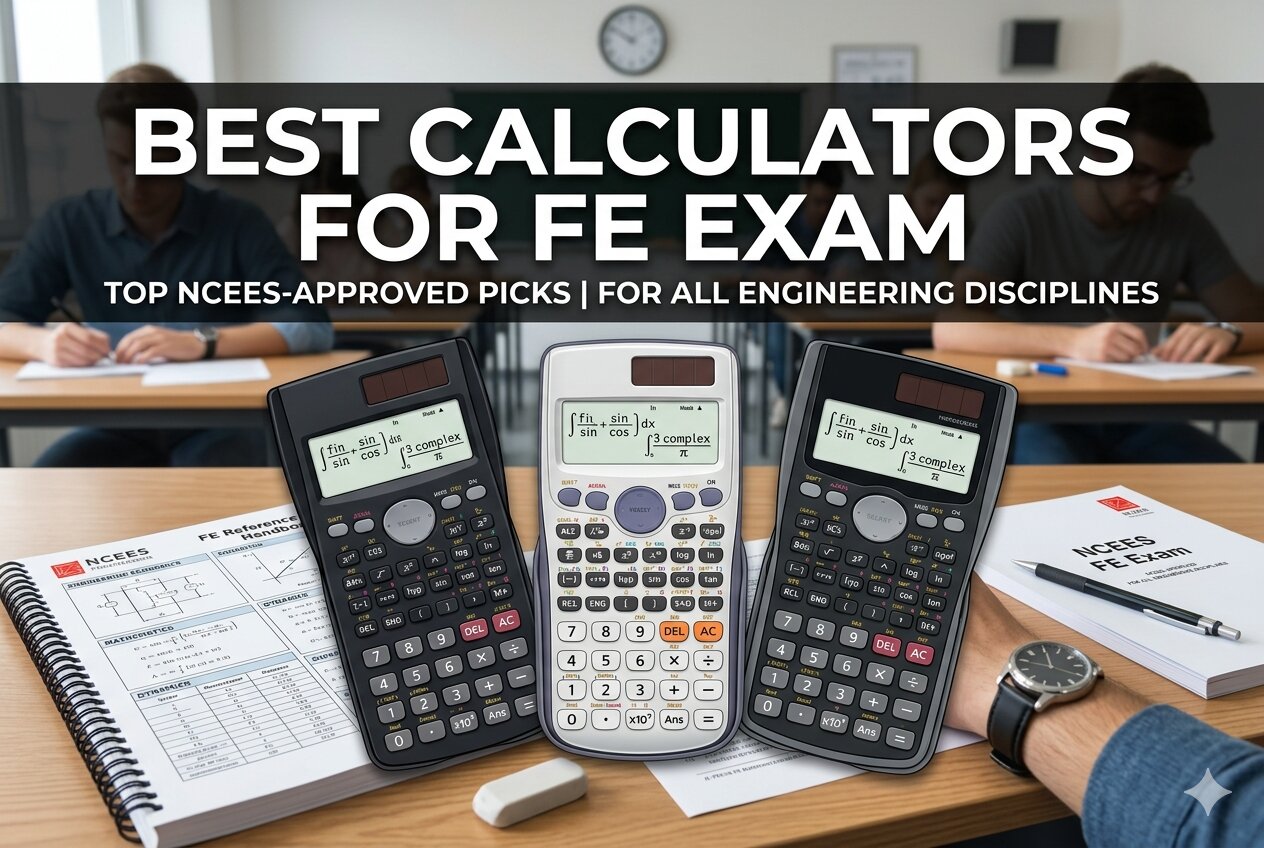 How We Selected the Best Calculators for FE Exam
Our team cross-referenced the NCEES approved calculator policy with feedback from engineers who passed the FE in recent testing cycles. We then ran each candidate through real FE-style problems across statics, circuits, fluid mechanics, and statistics to see which held up under pressure.
- NCEES Approval Status: Only models officially on the NCEES approved list made the cut, since anything else gets flagged at check-in and removed from the testing room.
- Speed on Repeated Calculations: We timed how quickly each unit handled common FE operations like polynomial solving, matrix inversion, and complex numbers.
- Display Clarity: A hard-to-read screen costs real time during a timed exam, so screen resolution and on-screen layout carried heavy weight in our scoring.
- Function Depth: Strong FE calculators go beyond basic trig with numeric integration, equation solvers, statistics tools, and unit conversions.
- Build Quality: Button feel, casing durability, and power reliability all factored in, because a flaky calculator mid-exam is a nightmare scenario.
- Learning Curve: A powerful calculator is useless if you cannot find its functions quickly under exam pressure.
- Value for Money: We weighed long-term reliability against upfront cost to see which options deliver the most per dollar spent.
These factors reflect what actually matters once you sit down on exam day, not what looks good on a spec sheet. The five calculators below earned their spots by holding up under every one of them.
Best Calculators for FE Exam (Expert Ranking & Review)
Each calculator below earned its place through actual testing, not guesswork. Here is what stood out about each one and who it fits best.
1. Texas Instruments TI-30XIIS: The No-Fuss Classic Built for Dependability

The TI-30XIIS strips the FE calculator question down to basics and wins on sheer reliability. You get a clean two-line display, logs and antilogs, three angle modes, and solid battery plus solar power for complete exam-day peace of mind.
Physically, it keeps a compact footprint at around 6.12 inches long and just over 4 ounces light. The mixed plastic and metal build feels substantial without weighing down your bag, and the keys hold up through months of daily abuse.
This one suits candidates who want familiarity above all else. If you used a TI-30 during your undergraduate years, muscle memory will carry you straight through exam day, which is exactly what stressed test-takers need most.
Key Specs:
- Display: 2-line LCD, 10 digits
- Functions: 1 and 2 variable statistics, logs, antilogs, trigonometry
- Angle Modes: degrees, radians, grads
- Power Source: Solar plus battery
- Dimensions: 6.12 x 3.23 inches
- NCEES approved for the FE exam
- Solar plus battery backup handles any testing-center lighting
- Lightweight enough to carry everywhere during prep
- Missing advanced features like matrix operations and equation solvers
- Single-function keys mean more button presses for complex problems
2. Texas Instruments TI-36X Pro: The FE Candidate’s Power Tool

Engineering students who need serious firepower without stepping up to a full graphing model tend to land on the TI-36X Pro. It is the calculator most FE candidates eventually pick once they see what is truly required on test day.
The four-line MultiView display shows multiple calculations at once, and MathPrint renders fractions, integrals, and exponents exactly as they appear in your textbook. You also get a numeric equation solver, polynomial solver, and linear system solver built directly in.
At roughly 7.22 by 3.27 inches, it feels slim in the hand and slips easily into a laptop bag or shirt pocket. The keys are firm with a light click, so you know each press registered without looking down at the unit.
Our team found its matrix operations up to 3×3 and vector handling genuinely useful for circuits and statics problems. Numeric integration and differentiation also work noticeably faster than on older calculators we tested side by side last semester.
Key Specs:
- Display: 4-line MultiView LCD with MathPrint
- Solvers: Numeric equation, polynomial, and system of linear equations
- Advanced Features: Matrices up to 3×3, vectors, numeric integration and differentiation
- Power Source: Solar plus battery
- Dimensions: 7.22 x 3.27 inches
- NCEES approved and widely trusted by FE candidates
- MathPrint shows equations in true textbook form
- Three built-in equation solvers save serious time on complex problems
- Handles matrices, vectors, and complex numbers out of the box
- Some functions require multiple presses of the same key to cycle through options
3. Casio FX-991ES Plus 2nd Edition: The Function-Packed Workhorse

What first caught our attention was the sheer function count. With 417 functions packed into a single slim unit, the FX-991ES Plus handles everything from basic trig to integration, differentiation, and systems of linear equations without breaking stride.
The Natural Textbook Display shows expressions the way they appear on paper, which cuts down on input errors when you are working through a timed problem. A color-coded keypad helps you spot the right function key faster too.
At roughly 6.38 by 3.03 inches and just 95 grams, the unit slips easily into any bag or pocket. Casio markets it with wear-resistant printing and a drop-resistant body, both of which held up well across our months of testing.
It suits engineers who want an all-in-one tool that covers matrices, vectors, Base-n calculations, and complex numbers. It is a strong match for candidates coming from international programs where the 991ES has been a study staple for years.
Key Specs:
- Display: Natural Textbook LCD, 10 plus 2 decimal places
- Total Functions: 417
- Advanced Features: Matrices, vectors, integration, differentiation, complex numbers
- Power Source: Solar plus battery
- Dimensions: 6.38 x 3.03 inches
- NCEES approved with 417 onboard functions
- Natural Textbook Display reduces input mistakes during timed sections
- Return policies vary by seller, so verify the listing before ordering
4. Casio fx-115ES Plus 2nd Edition: The Best-Kept Secret Among FE Candidates

The fx-115ES Plus packs more than 280 functions, including numeric integration, summation, matrix and vector operations, and linear regression into one of the lightest units we tested this round. Its multi-replay feature alone can save you real minutes.
The unit lands at around 6.05 ounces with a 16-digit, 4-line LCD that keeps longer expressions readable without squinting. Solar Plus with battery backup means you never lose mid-problem progress, even when classroom lighting turns out poor.
This is the pick for candidates who want FE-ready power without paying premium pricing. If you are studying on a budget or simply want a lighter backup to carry to exam day, this Casio delivers every function you need.
Key Specs:
- Display: 16-digit, 4-line LCD
- Total Functions: More than 280
- Advanced Features: Complex numbers, linear regression, summation, integration, matrix and vector operations
- Power Source: Solar Plus with battery backup
- Memory: 9 variables (A, B, C, D, E, F, X, Y, M)
- NCEES approved with a strong function-to-cost ratio
- Multi-replay feature speeds up error checking across long problems
- Solar Plus with battery backup prevents mid-exam power failures
- Light casing shows dirt after heavy daily use
- No one-button toggle between fixed and scientific notation
5. Casio fx-991CW: The Modern ClassWiz for Next-Generation FE Prep

The fx-991CW is the newest face in this lineup and the most refined Casio we tested. The high-resolution, four-tone display is visibly sharper than older ClassWiz models, and the rounded keys feel softer under fingertip pressure.
Under the hood, it carries 540 plus advanced functions, including 4×4 matrix operations, spreadsheet-style data views, numeric calculus, and inequality handling. Nine variables store across sessions, an educator-requested touch that survives a full power cycle.
Our favorite feature is the QR code integration. Scan any result with your phone to see it graphed on ClassPad.net, effectively giving you graphing capability on a non-graphing calculator that the FE exam actually permits.
This pick fits FE candidates who want the most modern Casio experience and do not mind a brief menu-learning curve. If you are newer to scientific calculators, the cleaner interface may actually feel more approachable than legacy models do.
Key Specs:
- Display: High-resolution, 4-tone LCD
- Total Functions: 540 plus
- Advanced Features: 4×4 matrix operations, spreadsheet-style data views, numeric calculus, inequality calculations
- Power Source: Solar
- Memory: 9 variables that persist between sessions
- NCEES approved and loaded with engineering functions
- Highest resolution display of any pick in this review
- QR code graphing works as a clever workaround to graphing restrictions
- Memory persists between sessions for study continuity
- Menu-driven layout has a steeper learning curve than older ClassWiz models
Best Calculators for FE Exam: A Quick Rundown
- Texas Instruments TI-30XIIS: Best for candidates who want a simple, familiar no-frills calculator they already know how to operate under time pressure.
- Texas Instruments TI-36X Pro: Best overall pick for most FE candidates thanks to MathPrint, MultiView display, and three built-in equation solvers.
- Casio FX-991ES Plus 2nd Edition: Best for engineers who want 417 functions, Natural Textbook Display, and solid build quality in one slim package.
- Casio fx-115ES Plus 2nd Edition: Best budget pick, offering multi-replay editing and Solar Plus with battery backup without stretching your wallet.
- Casio fx-991CW: Best display and most modern option, with QR code graphing, sharp four-tone screen, and the largest function library.
Final Thoughts
The best FE calculator is the one you can operate without thinking twice. NCEES approval should be your first filter, followed by function depth, display clarity, and how the unit feels during a long study session. A calculator that solves equations or matrix operations quickly can make a bigger difference than features you rarely use.
Pick based on your study habits and how much time you have left in prep. If you already know a model well, familiarity beats any feature list. Practice with your chosen calculator daily until the keystrokes feel automatic, because exam day is no time for a learning curve.